Identity turns the office site your business already runs into the sign-in for its other apps. You prove who you are by approving the sign-in on your own phone.
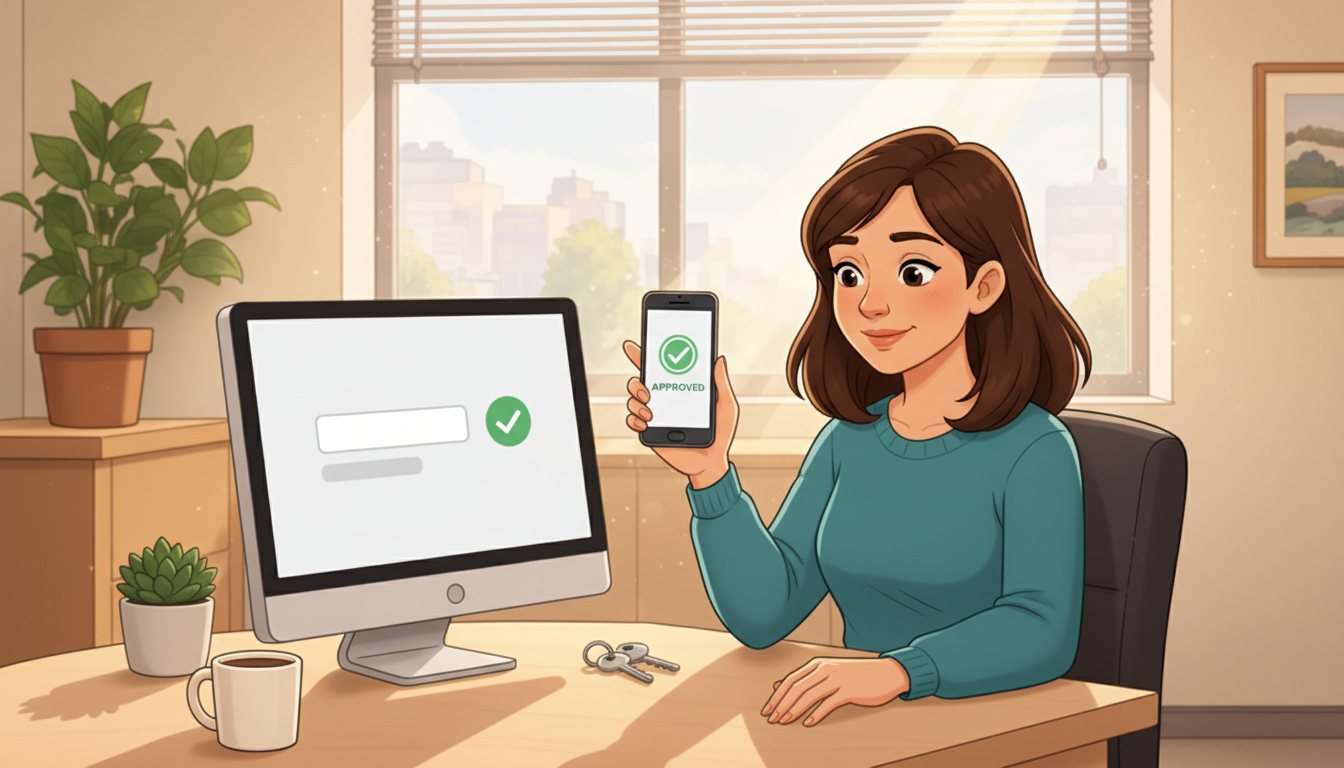
A business running several apps on the Frappe framework keeps a separate user list and a separate password on each one. Every sign-in costs a password, and on some apps a one-time code as well.
Your office site holds the users. Your other apps trust it.
The sign-in runs on your own site. No shared Simbotix login service sits in the middle.
A sign-in is approved on a phone you enrolled, behind its fingerprint, face or PIN lock.
The login page pings your phone. The same two-digit code shows on both screens, so you know which browser you are approving.
A browser that does not know you shows a QR code. Scanning it with the phone app signs that browser in.
The phone holds a key that never leaves it and works only behind the phone's own lock. Every approval is signed with that key.
Opening and refreshing the app is silent. The phone asks for your fingerprint, face or PIN once, when you tap Approve.
Signing in to an app where you have no account creates one from your office profile. Roles are still granted in that app.
Passkey sign-in is built and switched off by default. Password sign-in stays available below the phone panel.
The phone app is called Simbotix ID. It is built for Android only.
Each app that should trust your office site is connected once.
Identity is in use at Simbotix. No customer site runs it yet. This is the state of each piece.
| Piece | Stage | What that means |
|---|---|---|
| Identity on an office site | In use | Running on Simbotix's own office site since October 2026. |
| Sign-in by scan and by password | In use | In use today. |
| Approve with a matching code | Proven in testing | Proven on a test site and on a real phone. |
| Connecting other apps | Proven in testing | Proven between a test site and a test app. No production app is connected yet. |
| Passkeys | Proven in testing | Built and proven. Off by default. |
| Android app | Proven in testing | Built and run on a real phone. |
| iPhone app | Not yet | Not built. |
| Sign-in by SMS code | Not yet | Not built. |
| Customer sites | Not yet | None yet. |
Tell us how you work today. We will show you the product on a call and tell you whether it fits.